

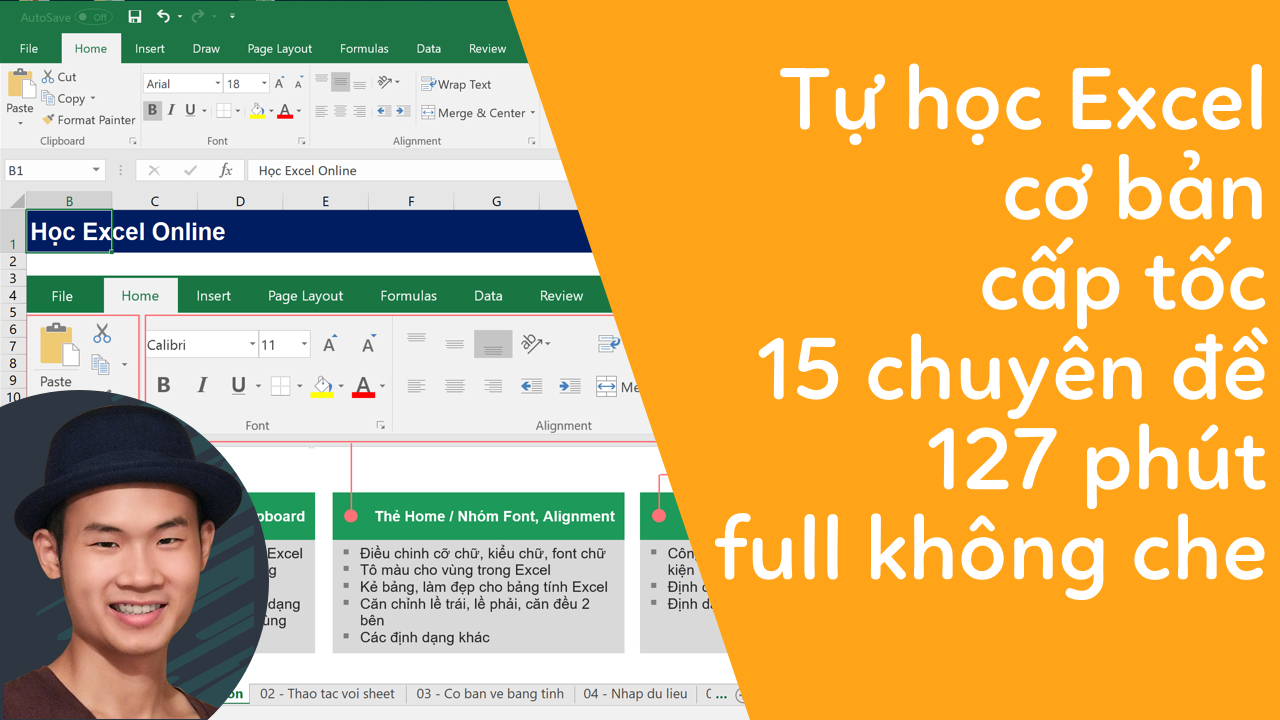
 Alt text: Hình ảnh minh họa video hướng dẫn học Excel cơ bản
Bạn muốn nắm vững kiến thức Excel cơ bản một cách nhanh chóng? Video hướng dẫn dài 127 phút dưới đây sẽ giúp bạn làm được điều đó thông qua 15 chuyên đề được thiết kế bài bản.
Alt text: Giao diện phần mềm Microsoft Excel với các công thức và bảng tính
Khóa học Excel này được chia thành các bài học ngắn gọn, tập trung vào các kỹ năng thiết yếu, giúp bạn tiết kiệm thời gian học tập mà vẫn đạt hiệu quả cao. Nội dung bao gồm từ những thao tác cơ bản nhất đến các công thức và hàm thông dụng, đáp ứng nhu cầu của người mới bắt đầu.
Alt text: Người dùng đang thao tác trên bảng tính Excel
Sau khi hoàn thành khóa học, bạn sẽ có thể tự tin sử dụng Excel trong công việc và học tập hàng ngày. Hãy bắt đầu hành trình chinh phục Excel ngay hôm nay!
Nâng Cao Kỹ Năng Excel Với Khóa Học EX101
Để học Excel một cách bài bản và chuyên sâu hơn, bạn có thể tham gia khóa học EX101 – Excel từ cơ bản tới chuyên gia của Học Excel Online. Khóa học này cung cấp kiến thức toàn diện về các hàm Excel từ cơ bản đến nâng cao, hướng dẫn sử dụng các công cụ hữu ích và cách ứng dụng Excel hiệu quả trong công việc.
Alt text: Giao diện website HocExcel.Online
Tài Nguyên Hỗ Trợ Học Tập
- Khóa học Excel: http://bit.ly/2uPgEXL
- Khóa học VBA: http://bit.ly/2tcCvGI
- Facebook: https://fb.me/kuldokk
- File Excel thực hành: http://bit.ly/excel127
Tổng Kết
Hy vọng video hướng dẫn và các tài nguyên bổ sung sẽ giúp bạn nhanh chóng làm chủ Excel. Đừng quên truy cập HocExcel.Online để biết thêm chi tiết về khóa học EX101 và các chương trình ưu đãi hấp dẫn. Chúc bạn học tập hiệu quả!










Discussion about this post